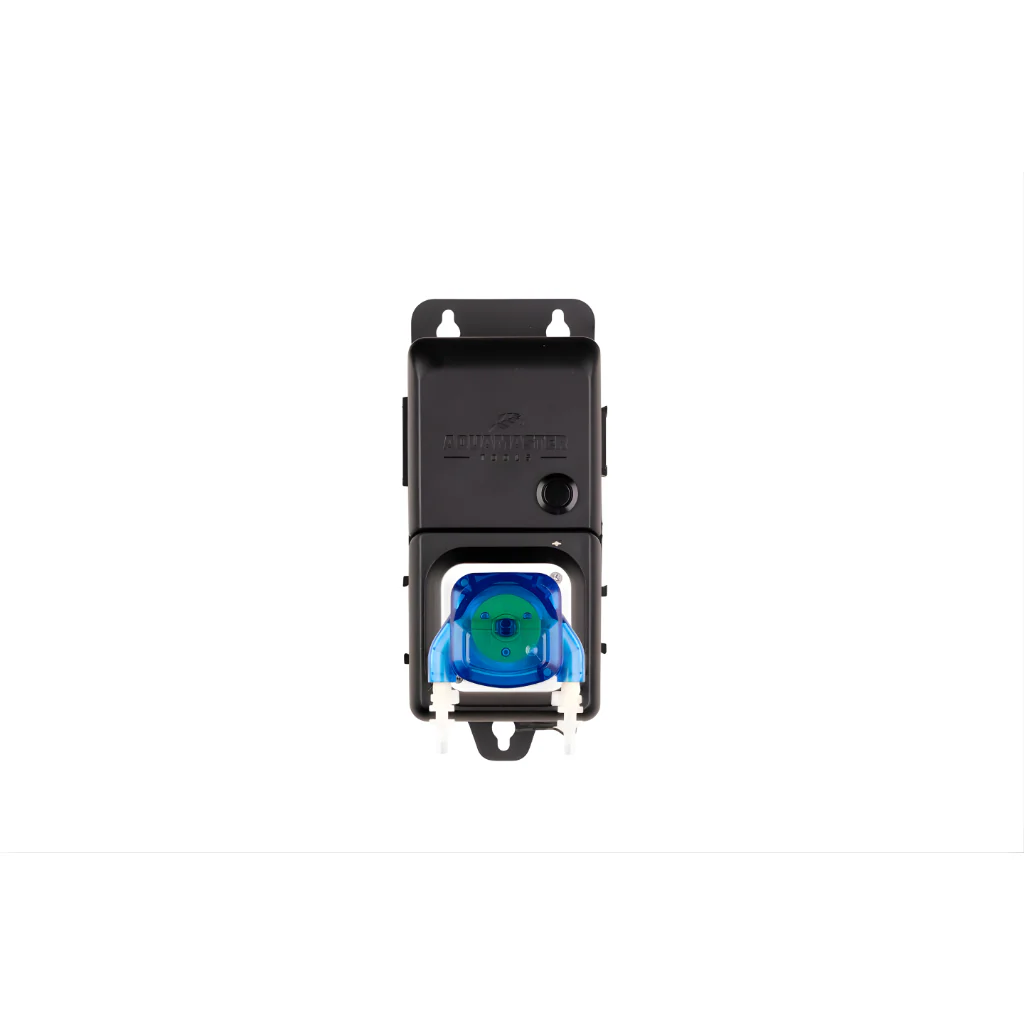
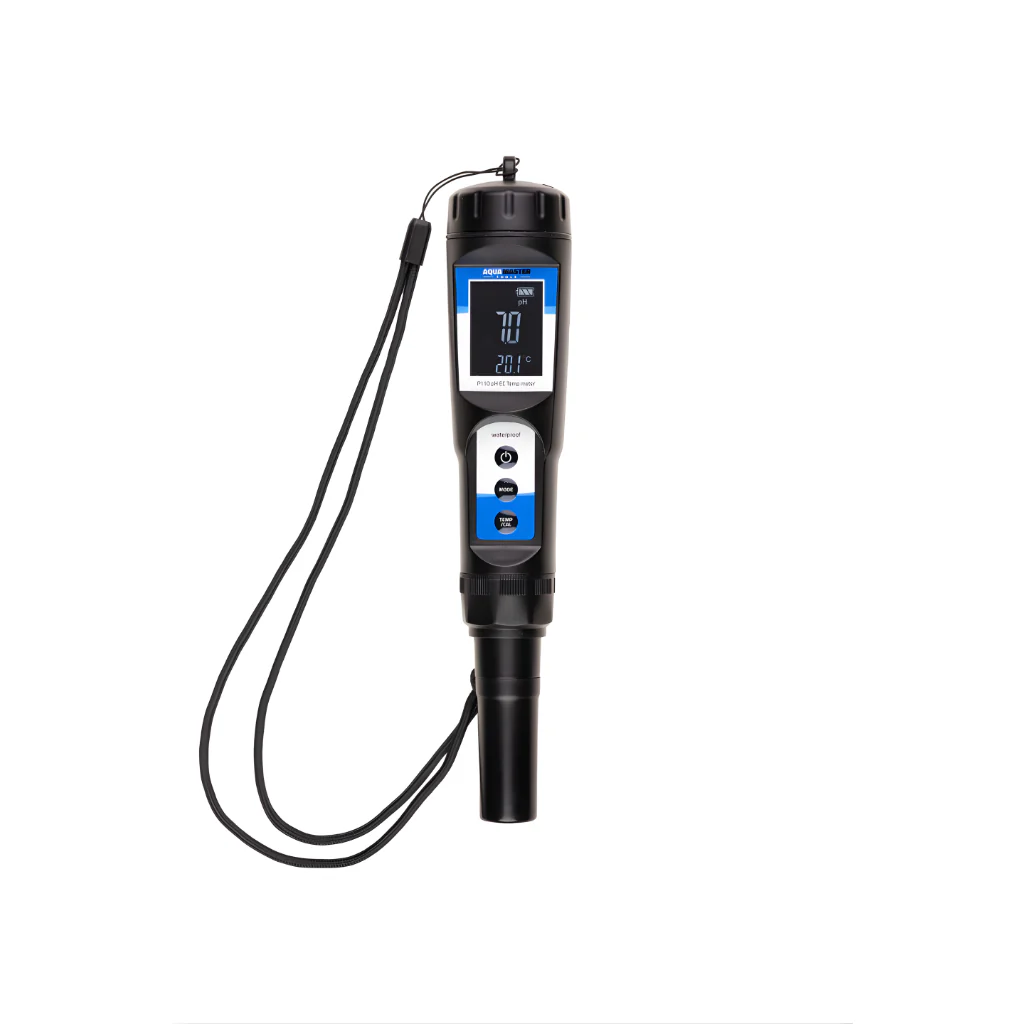
AquaMaster Combo Meter P700 PRO 2
The P700 Pro 2 is designed for long-term, low maintenance use. Just plug in the AC adapter, calibrate and the unit is ready for continuous monitoring. A rechargeable battery is included, so even when there is no access to power the monitor will still function.
Improved Features of V2:
- Compatible with most common calibration liquids
- Receive notifications when electrodes are worn
- Get notified when your meter needs calibration
- On and off switch to manage light function
- New, quality electrodes
- Improved software
How does the meter work?
Plug the power supply into the wall outlet and connect the USB connector to the meter.
- Connect the pH and EC electrode to the meter.
- Remove the protective cap from the pH and EC electrodes.
- Turn the meter on.
- Immerse the pH and EC electrodes in the liquid you want to test and stir gently until the reading stabilises.
- Press the C / F key to switch between Celsius and Fahrenheit. Press the MODE key to switch between EC / CF and PPM measurements.
- Turn the meter off after use.
- Clean the pH and EC electrodes with tap water to minimise the chance of contamination.
- Place the pH and EC electrode back in the protective cap.
You can also use the meter continuously and keep the electrodes in the liquid to be measured. Then keep in mind that these need to be calibrated more often. It is also important to check for algae deposits and, if necessary, to carefully clean the electrodes.
Product Information
Product Information
Shipping & Returns
Shipping & Returns
Description
The P700 Pro 2 is designed for long-term, low maintenance use. Just plug in the AC adapter, calibrate and the unit is ready for continuous monitoring. A rechargeable battery is included, so even when there is no access to power the monitor will still function.
Improved Features of V2:
- Compatible with most common calibration liquids
- Receive notifications when electrodes are worn
- Get notified when your meter needs calibration
- On and off switch to manage light function
- New, quality electrodes
- Improved software
How does the meter work?
Plug the power supply into the wall outlet and connect the USB connector to the meter.
- Connect the pH and EC electrode to the meter.
- Remove the protective cap from the pH and EC electrodes.
- Turn the meter on.
- Immerse the pH and EC electrodes in the liquid you want to test and stir gently until the reading stabilises.
- Press the C / F key to switch between Celsius and Fahrenheit. Press the MODE key to switch between EC / CF and PPM measurements.
- Turn the meter off after use.
- Clean the pH and EC electrodes with tap water to minimise the chance of contamination.
- Place the pH and EC electrode back in the protective cap.
You can also use the meter continuously and keep the electrodes in the liquid to be measured. Then keep in mind that these need to be calibrated more often. It is also important to check for algae deposits and, if necessary, to carefully clean the electrodes.